UI design for Screens: From CRT to Modern Devices

Dare Nuges
“Designing for a Fragmented-Device World: Creating Effective UI Across All Screen Sizes”.
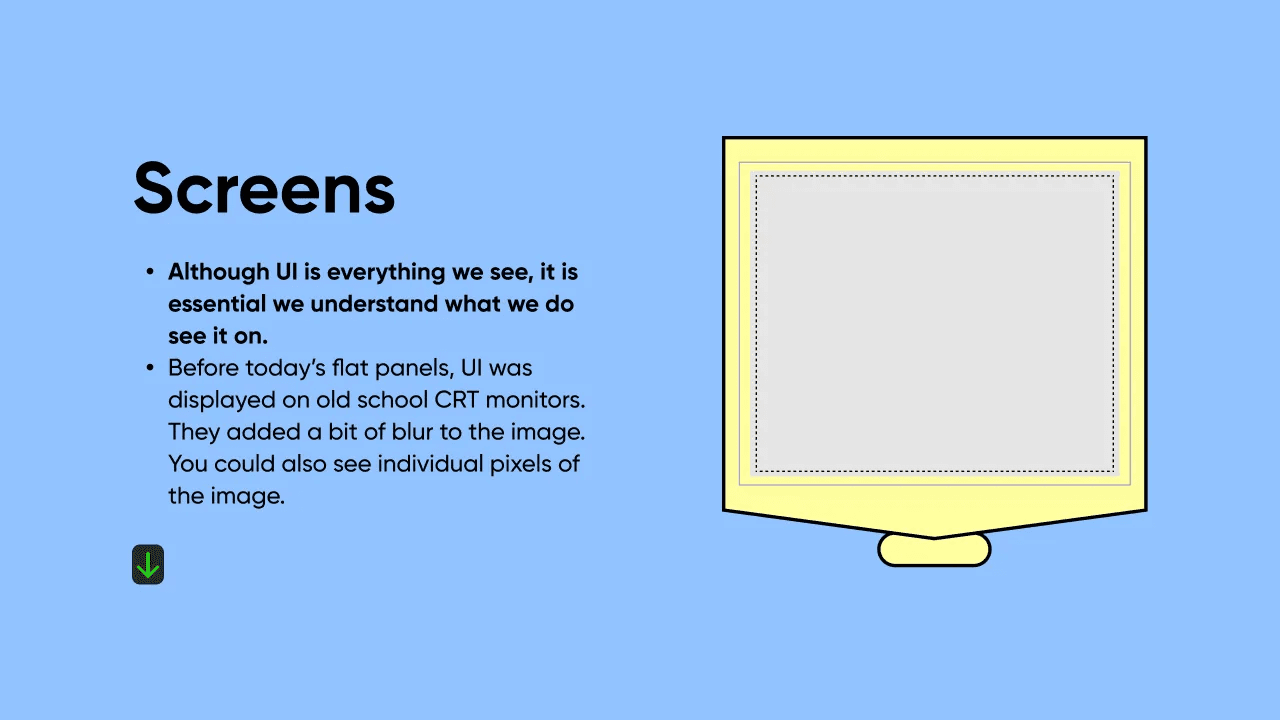
In the past, designers had to design for CRT (cathode ray tube) screens. These CRT screens had low resolutions, added blur to images, and you could also see individual pixels in the images. Designers also worked with fewer pixels and less detailed graphics.

In today’s digital landscape, we have a lot of fragmented screens from TVs, desktop computers, tablets, smartphones, and IoT devices to watches, and users expect to have seamless experiences across all of their devices. As a designer, it’s important to keep in mind that the way people interact with and consume information on a small screen is vastly different from how they do it on a large screen.
In this article, we’ll explore the challenges and best practices for designing user interfaces that are consistent and effective across all device categories.
1. The Basics
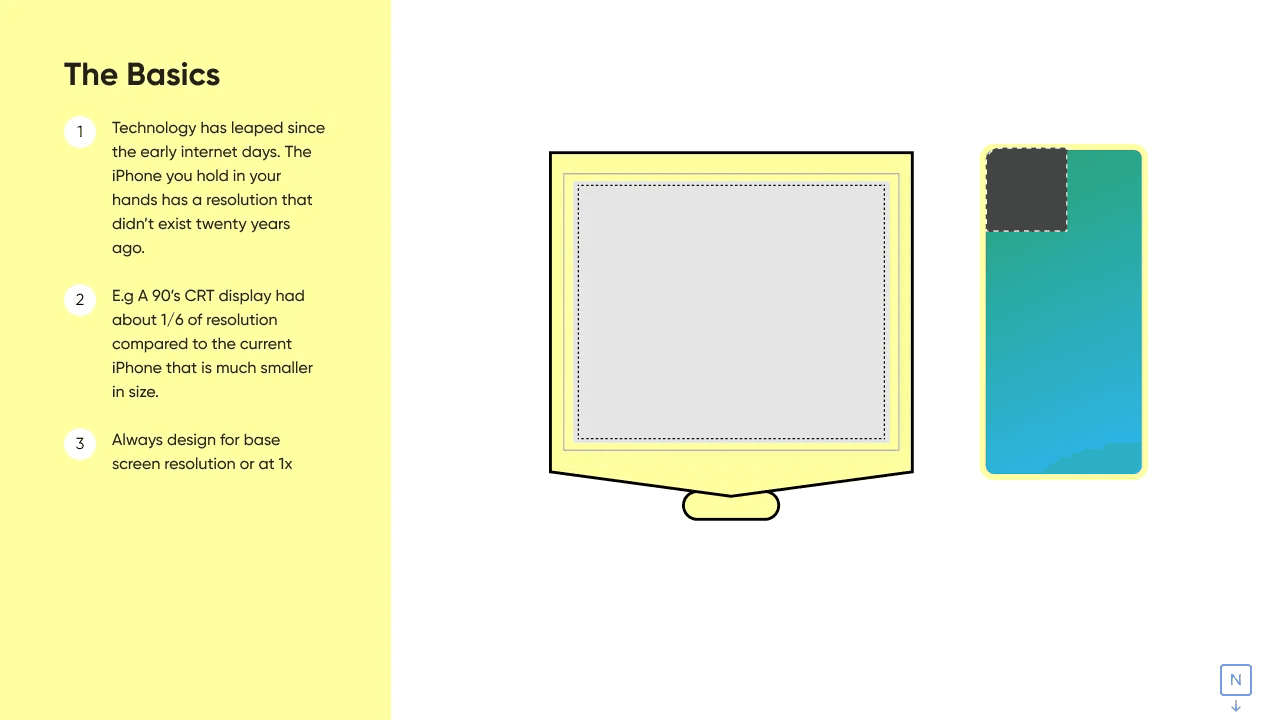
Technology has leaped since the early internet days. The iPhone you hold in your hands has a resolution that didn’t exist twenty years ago.
2. Pixels Per Inch
3. Fragmentation of Screens
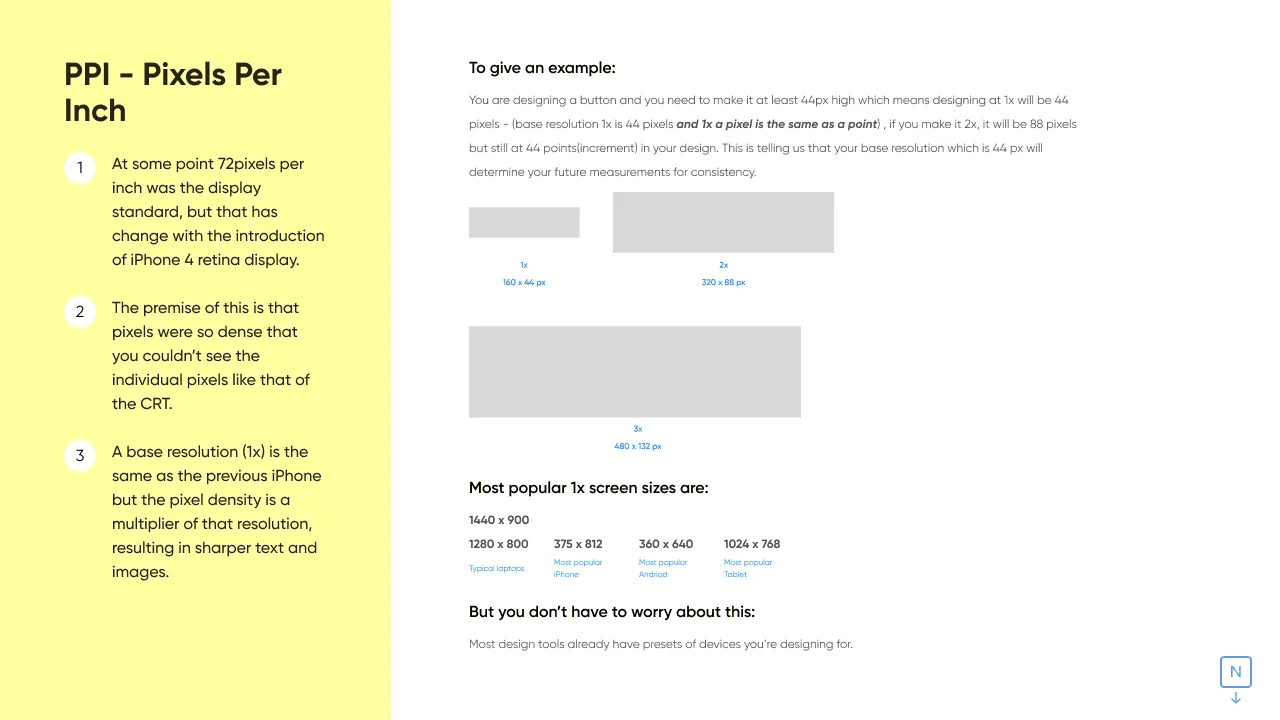
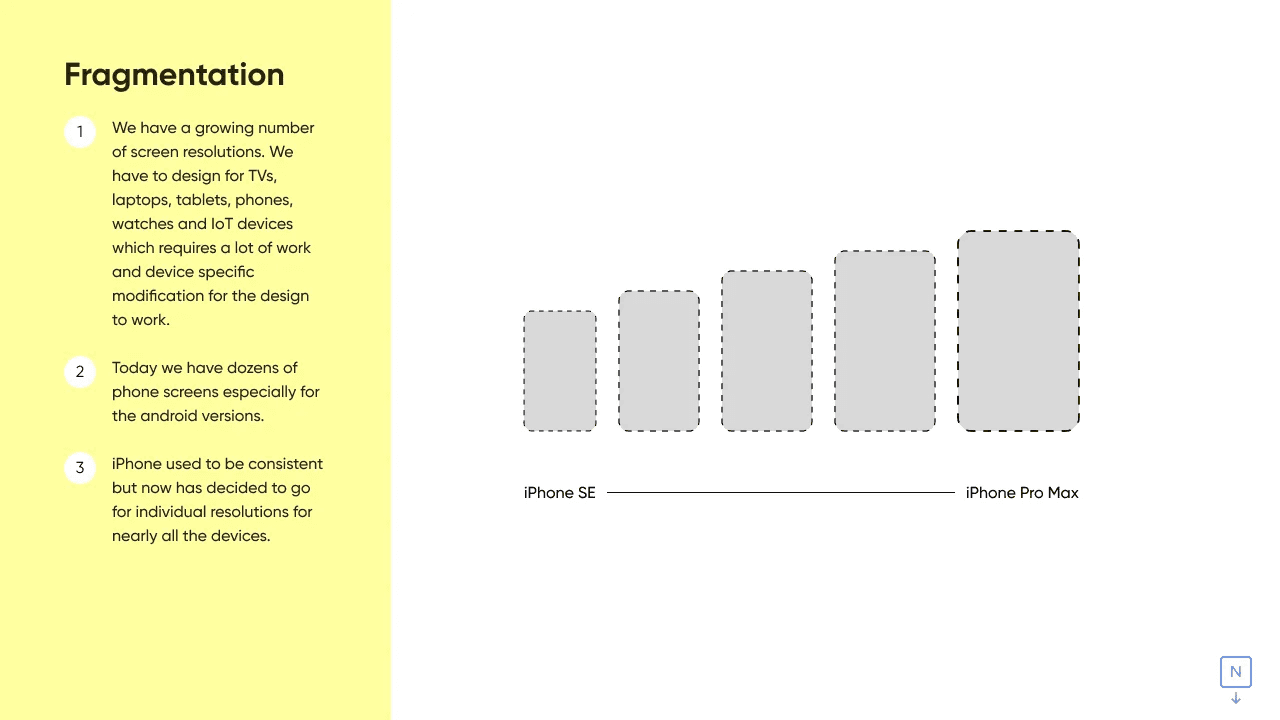
We have a growing number of screen resolutions. We have to design for TVs, laptops, tablets, phones, watches and IoT devices which requires a lot of work and device specific modification for the design to work.
4. Range and Reach
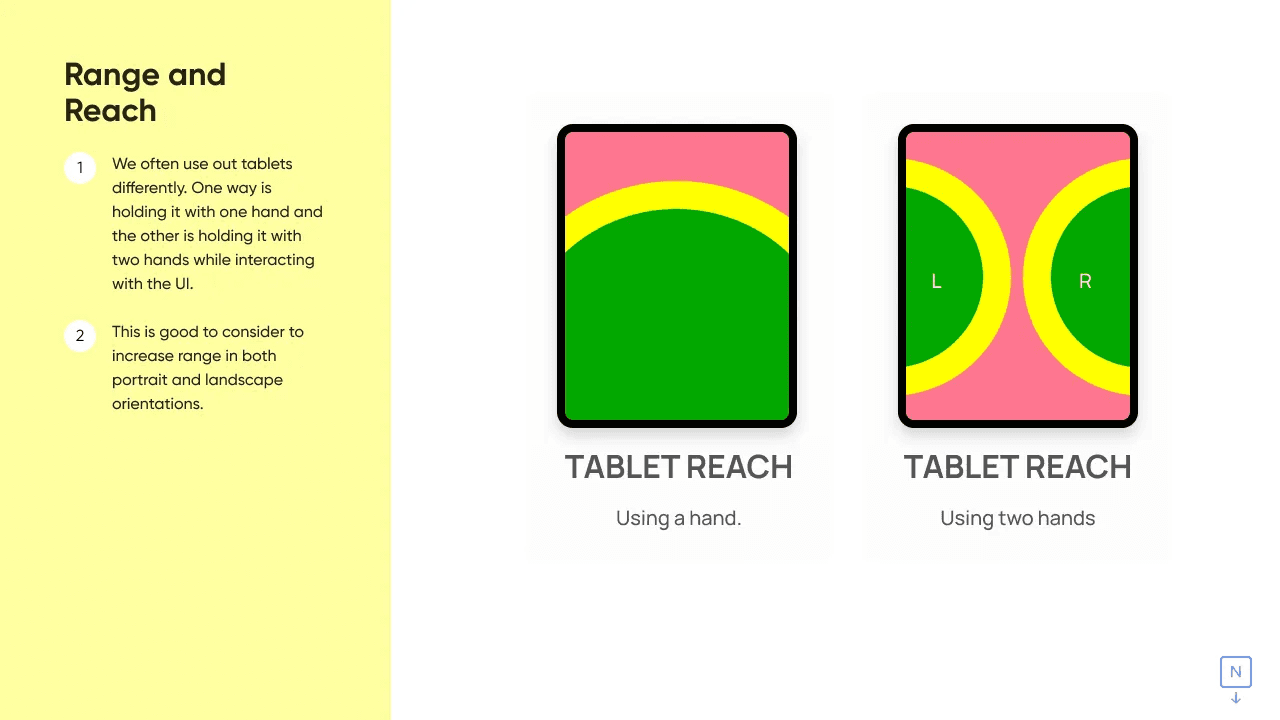
A randomly put-together interface could get complicated when interacting with one hand.
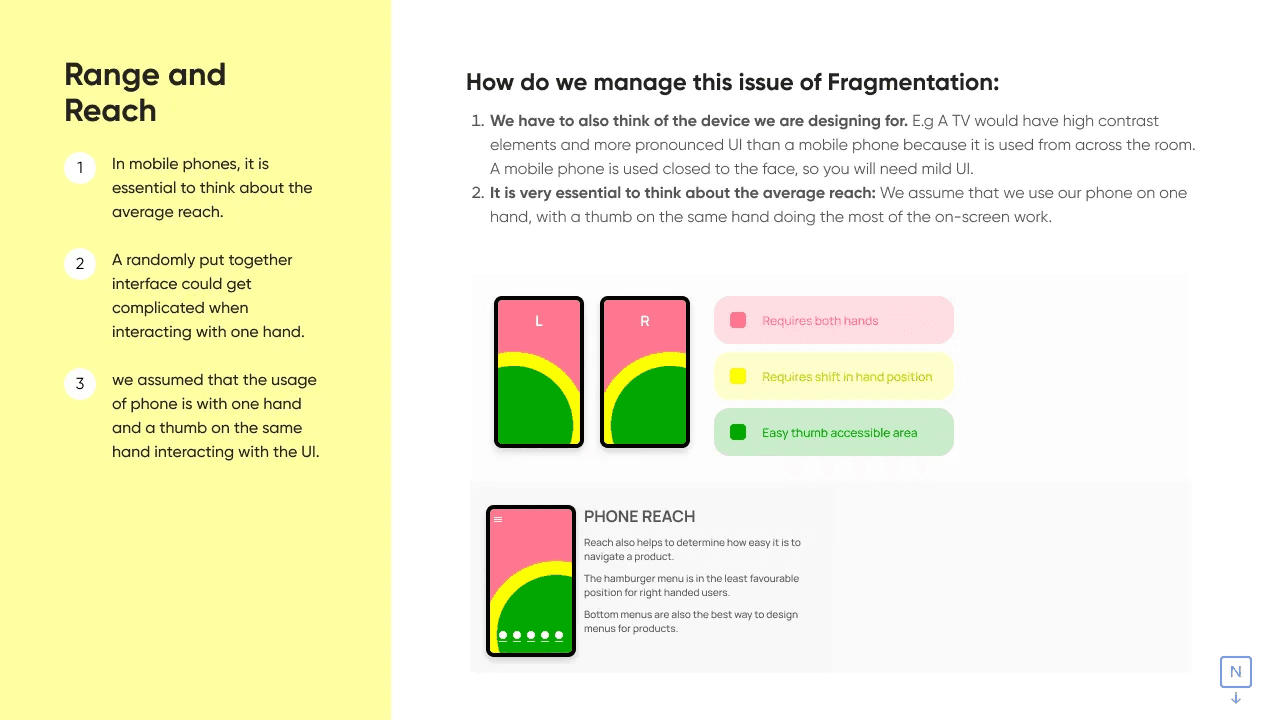
We often use our tablets differently. One way is holding it with one hand and the other is holding it with two hands while interacting with the UI.